Workpiece description: The optical lens is covered with a protective film on both sides to prevent the lens from sticking to glass shavings or foreign matter when it is cut by CNC. There is printing ink in the center of the lens. The customer hopes to develop an automated process to automatically remove the protective film on both sides of the lens without any glue residue, and the lens surface must be completely clean without particles. And the printing ink in the center of the lens cannot be damaged.
-
Before washing, look. The left picture below shows that the protective film on both sides of the lens has not been removed. The picture on the right below shows that the protective film of the lens has been removed, leaving adhesive residue.


-
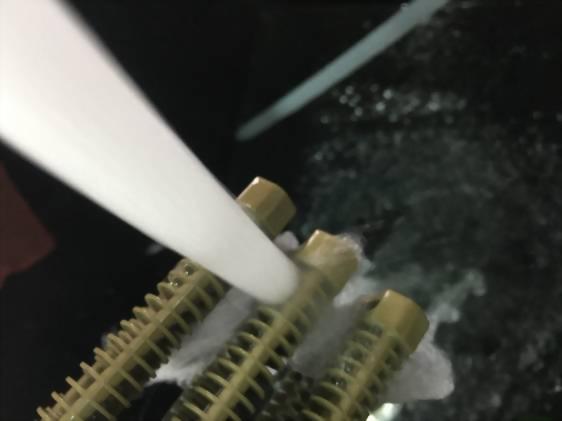
Fix the lens with the protective film not removed and the lens with the protective film removed with a clamp.

-
Heat Xiwei TMAHLR03-GU aluminum alloy water-based paint stripper (peelable glue remover) to 70~80°C, put it into the lens, clean it with 40Khz, 50W/L ultrasonic wave for 10 minutes, take it out, and rinse it with clean water. It is found that after cleaning, the protective film will fall off automatically. Rinse with water to rinse off.


-
Then use the dust cleaning agent PTC17plus, clean it under ultrasonic wave (70~80℃, 40Khz, 50W/L) for 5 minutes, take it out, and rinse it with pure water.


-
Place it in a clean room and let it dry in the shade. It was found that the lens was very clean, there was no glue residue, no particle, and no ink in the middle of the lens was damaged.


-
Suggestions and discussions: